ILO External
This page is for external users of ILO applications, such as as interpreters, retirees and other SHIF external paying members. If you want to go back and choose a different user, please click here.
How to sign in
- There has been a change in our login system. Kindly note that external users must use their username and for example, if your user is “john”, now you have to enter “john@iloext.org” in the Username field as shown in the screenshot below.
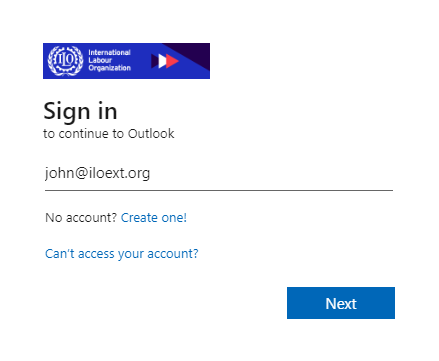
- Click on the “Next” button or press Enter to submit your credentials.
- Congratulations! You can now access ILO applications.
How to create an account
Create an account using this link.
Forgot Username
If you forgot your Username, please click this link.
Forgot Password
If you forgot your password, please click this link.